

Most small business owners we meet around Manchester are doing marketing, admin, bookings, follow-ups, and firefighting all at once. AI automation is often the quickest relief because it takes the boring repeatable bits off your plate, so you can focus on delivery and customers.
According to the Office for National Statistics, the Business Insights and Conditions Survey (BICS) regularly shows UK firms reporting rising costs and operational pressures in recent releases. That’s exactly why AI automation that you can “set up this week” matters, you do not need a six-month tech project.
AI automation basics
If you’re picturing a robot running your whole business, bin that idea. What we actually set up for clients is a chain of small, boring actions that happen automatically, like “new enquiry goes into a sheet, customer gets a reply, you get a task, and a reminder goes out tomorrow”. That is AI automation in the real world: practical workflows, not sci-fi.
In practice, there are three levels:
- Rules-based automation: if X happens, do Y (forms to sheets, reminders, tagging). This is classic workflow automation.
- AI-assisted steps: draft a reply, summarise a call, suggest a reorder quantity.
- Human-in-the-loop: you approve the draft or tap “send”, which keeps quality high.
What we’ve found works best is using AI where it saves thinking time, and using simple rules where you need reliability. If you’re trying to automate judgement calls on day one, it usually falls over, and your AI automation ends up creating more work.

How it works in real life
Most successful setups follow the same pattern, no matter if you’re a salon in Chorlton or a trades firm covering Stockport. With AI automation, you pick one process, connect the tools, and measure one result.
The “1-1-1” rule stops tool sprawl fast: one process, one tool stack, one success metric. If you break this rule, you end up paying for five apps and trusting none of them, which is the fastest way to lose confidence in AI automation.
Choose a minimal stack
For most SMEs, we stick to low-cost tools you already know:
- Google Workspace or Microsoft 365
- Zapier or Make (both are solid Zapier alternatives depending on complexity)
- ChatGPT or Claude for drafting and summarising
- A simple CRM (HubSpot free, Pipedrive, or a tidy Google Sheet)
If you’re already drowning in leads, it’s worth getting the basics right in a proper pipeline. We often set that up alongside an all-in-one CRM setup so nothing drops.
Pick one metric you’ll actually check
Don’t track ten things. Pick one:
- Hours saved per week
- Average first response time
- Bookings per week
- No-show rate
Build the trigger, action, and safety net
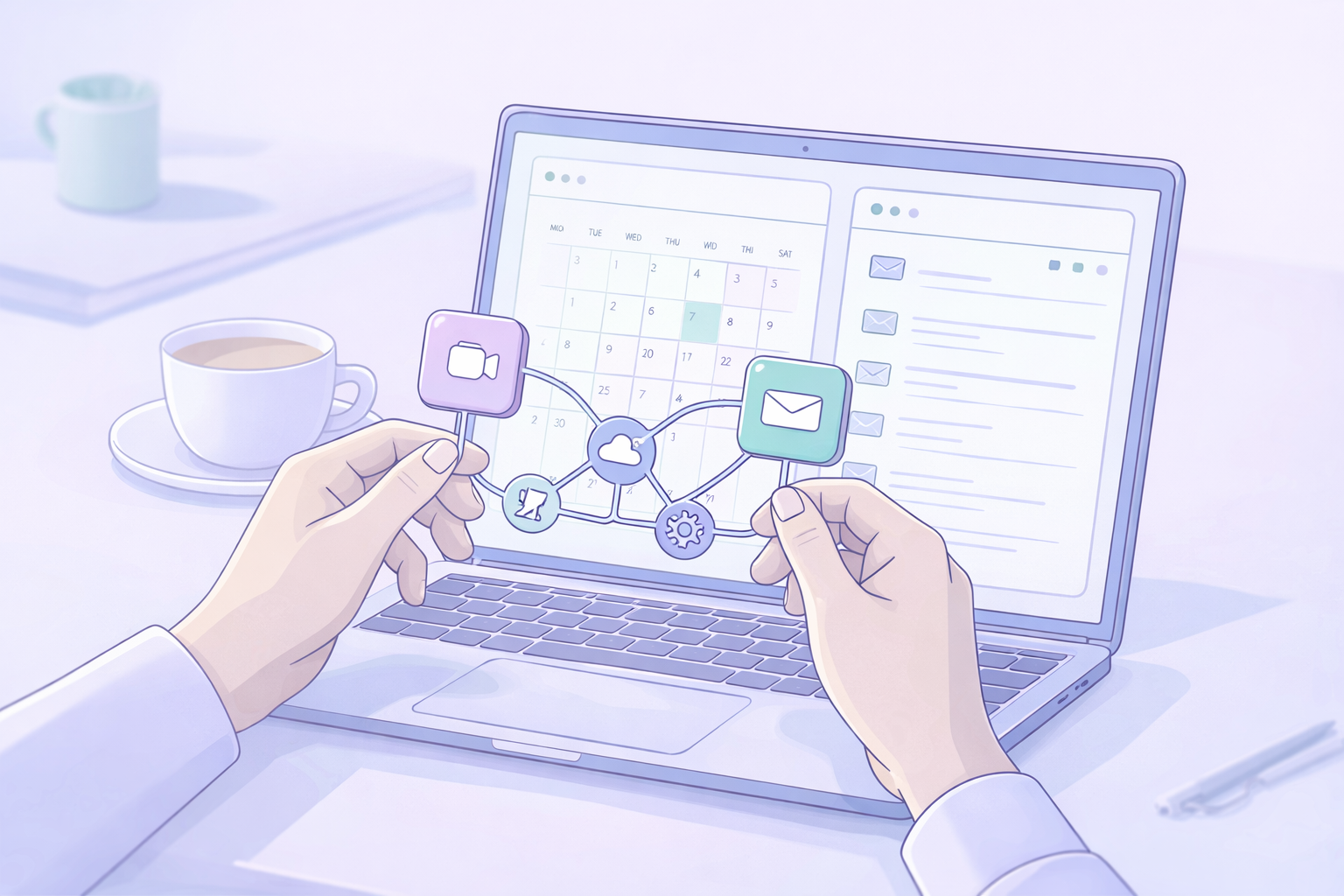
Every automation has:
- A trigger (form submitted, booking made, invoice overdue)
- An action (send message, create task, add to CRM)
- A safety net (notify a human, log in a sheet, retry on failure)
Why it matters for Manchester SMEs
Here’s the contrarian bit we see all the time: most businesses don’t need “more leads” first, they need faster follow-up. AI automation helps you respond quickly and consistently, which is often the difference between winning and losing the job.
We’ve watched clinics lose high-value treatments because the first reply took 24 hours. We’ve seen restaurants miss private booking enquiries because they lived in a cluttered inbox. Trades firms often waste hours on back-and-forth because the same five questions get asked every time.
AI automation fixes the “small leaks” that quietly cost you money:
- Leads not logged anywhere
- Quotes that take days
- No-shows that could have been prevented
- Reviews that never get requested
If you want one place to start before you automate anything, make sure your site converts. There’s more practical advice in our piece on turning website visitors into customers, because automating a broken process just creates faster disappointment.
Putting it into practice this week
Below are 7 workflows we set up most often for salons, clinics, restaurants, and trades. You can do one this week, then stack the rest. Done properly, AI automation is a set of small wins, not one big overhaul.
Workflow 1: Enquiry-to-quote
If you’re replying manually to the same questions, you’re paying a “time tax” every day. This is one of the quickest AI automation wins for service businesses.
What we set up:
- Web form, email, or WhatsApp enquiry goes into a CRM or Google Sheet
- Owner is auto-assigned (round-robin or by service area)
- AI drafts the first reply using your FAQs and tone (you approve)
For trades and clinics, standardise these fields in a quote template: job type, address/postcode, preferred date, photos, access issues, and budget range. That one change usually halves the back-and-forth.
If WhatsApp is where you win work, you’ll like this walkthrough on sending website leads into WhatsApp automatically.
Workflow 2: Booking reminders and no-shows
No-shows hurt twice, you lose the slot and you lose the momentum. Booking reminders are a reliable AI automation workflow because the rules are simple and the impact is measurable.
What we set up:
- Booking tool syncs to Google Calendar
- Confirmations go instantly by email or SMS
- Reminders go at 48 hours and 3 hours
- A follow-up goes out if they don’t confirm
AI helps by generating a few reminder variants (friendly, firm, short) so messages don’t feel robotic. If you take deposits, include plain UK wording: “A £20 deposit secures your slot and comes off the total. Cancellations under 24 hours may lose the deposit.”
If you want bookings straight from search, we covered the steps for letting customers book from Google.
Workflow 3: Review requests and responses
Reviews don’t grow by accident. The timing is everything. Review requests are another low-risk AI automation use case because you can keep the message templates tight and on-brand.
What we set up:
- After “job completed” or “appointment attended”, trigger a review request
- Choose channel by customer preference (SMS for trades, email for clinics, WhatsApp for salons)
- If no review after 3 days, send one gentle nudge
We also keep AI-assisted response templates for:
- Positive reviews (thank them, mention the service, invite back)
- Neutral reviews (acknowledge, ask what would improve)
- Negative reviews (apologise, take offline, document)
Common mistake: replying defensively. What we’ve found works best is a calm reply and a clear next step, then log the issue internally with date, staff involved, and resolution.
Workflow 4: Local content repurposing
If posting feels like a chore, stop trying to create new things every day. One weekly update is enough if you repurpose it. This kind of AI automation is about consistency, not volume.
A simple weekly repurpose pack:
- 1 short Google Business Profile post
- 1 email to customers (tips, availability, offer)
- 2 social captions (one helpful, one behind-the-scenes)
Keep it local. Add service + area naturally: “lash lift in Salford”, “boiler service in Stockport”, “private dining in Manchester city centre”. It helps customers and it helps your local visibility.
Guardrails matter, especially for clinics. Don’t let AI invent claims, prices, or health outcomes. We always keep a “do not say” list inside the prompt, then a human checks before anything goes live.
Workflow 5: Invoicing and payment chasing
Cashflow problems often start as admin problems. Invoicing is a classic AI automation opportunity because the trigger points are clear and the follow-ups can be standardised.
What we set up:
- Completed job triggers an invoice in Xero/QuickBooks (or a draft)
- Payment link is included automatically
- Overdue invoices trigger a reminder sequence
AI writes the reminder sequence in your voice, but we keep it professional and factual. A typical cadence is day 1 overdue (friendly), day 7 (firm), day 14 (final notice and phone call).
Add a weekly “unpaid” dashboard in a sheet and assign one person to call the top 5. That’s usually where the money is.
Workflow 6: Stock and reorder alerts
Restaurants, salons, and clinics lose time and money when stock runs out mid-service. Stock alerts are a practical AI automation workflow because it prevents last-minute panic and missed sales.
What we set up using a spreadsheet:
- Minimum stock threshold per item
- Weekly stock count form on a phone
- Automatic alert when anything drops below minimum
For “predictive-ish” ordering, we use the last 4 to 8 weeks usage to suggest reorder quantities. It’s not perfect forecasting, but it stops panic buying.
AI can draft reorder emails and a delivery checklist (counts, expiry dates, damages). It saves staff time and reduces mistakes.
Workflow 7: Internal admin and onboarding
Admin is where good teams get slowed down. Internal workflows are often the easiest place to start with AI automation because you control the inputs and can test safely.
What we set up:
- Meeting recordings summarised into actions (then reviewed)
- Repeated tasks turned into simple SOP checklists
- Onboarding packs for new starters (day 1 plan, FAQs, role expectations)
The tools we rely on include Teams/Google Meet transcripts plus an AI summariser, with a rule that nothing gets saved without a quick human scan. That stops awkward errors and keeps it useful.

UK compliance and risk
If you’re handling names, phone numbers, emails, addresses, or health details, treat automations like part of your data system. The ICO is very clear that UK GDPR still applies when you use AI tools and SaaS platforms, including AI automation workflows.
According to the ICO’s AI and data protection guidance, you need to be clear on lawful basis, data minimisation, and accountability. In practice, this means you should not paste sensitive customer notes into a public AI chat tool.
Here’s the practical checklist we use:
- Data minimisation: only send what’s needed (often first name and enquiry type)
- Lawful basis: usually contract or legitimate interests for service messages
- Processor vs controller: know which tools process data on your behalf
- Access controls: staff accounts, not shared logins
- Retention: set delete rules for old leads and transcripts
- Audit trail: log what was sent, when, and by which workflow
- Customer rights: be ready for access or deletion requests
If you’re a clinic, be extra cautious with special category data. We normally keep AI working on templates and structure, not raw patient details.
7-day plan and ROI calculator
You don’t need to build all seven workflows at once. What we’ve found works best is one workflow, tested end-to-end, then you copy the pattern. That is how AI automation becomes sustainable rather than another half-finished project.
Copy/paste 7-day setup plan
- Day 1: Pick one painful process (enquiries, reminders, reviews). Write the current steps.
- Day 2: Choose your 1-1-1 stack. Create a simple tracking sheet.
- Day 3: Build the trigger and logging (form to sheet/CRM).
- Day 4: Add messaging (email/SMS/WhatsApp) and internal notifications.
- Day 5: Add AI drafting with strict guardrails and an approval step.
- Day 6: Test 10 real scenarios, including failures (no email, wrong number).
- Day 7: Go live, then review after 20 real uses.
Quick ROI calculator (5 minutes)
Use this formula:
- Weekly value = (hours saved × your hourly cost) + (no-shows reduced × average booking value) + (extra jobs from faster replies × profit per job)
Example we see often:
- 3 hours saved/week × £35/hr = £105
- 2 fewer no-shows/month × £60 = £120/month (about £30/week)
- 1 extra job/month from faster replies × £150 profit = about £37/week
That’s roughly £172/week, from one workflow.
If you want a realistic budget before you start adding bots, we broke down pricing in our AI chatbot cost guide.
Frequently asked questions
What’s the difference between AI automation and normal automation for a small business?
Normal automation follows rules, like “if a form is submitted, send an email”. AI automation adds a thinking step, like drafting the email in your tone or summarising the enquiry, usually with a human approving it.
Which AI automation tools are best for UK small businesses on a budget?
For most Manchester-area SMEs, we’d start with Google Workspace or Microsoft 365, then Zapier or Make, plus ChatGPT or Claude for drafting. If you need a pipeline, add a simple CRM before anything fancy.
Is it GDPR-compliant to use ChatGPT or other AI tools with customer data?
It can be, but you need controls. Follow ICO guidance, minimise data, avoid special category data in general-purpose tools, and make sure you understand where data is stored and who can access it.
How long does it take to set up a simple automation workflow realistically?
If the process is clear, we can usually get a basic version live in 2 to 6 hours, then spend another couple of hours testing edge cases. The time killer is unclear ownership and messy data, not the tech.
What are the easiest automations for salons, restaurants, and trades to start with?
Start with booking reminders for salons and clinics, review requests for restaurants, and enquiry-to-quote workflows for trades. They’re simple, low risk, and you’ll feel the time savings immediately.
Most businesses don’t need more tools, they need fewer manual steps. If you set up one solid workflow this week and measure it properly, AI automation becomes a practical habit rather than a scary tech project.
If you want a second opinion, get in touch with Minutes Agency and we’ll map your best first workflow and tool stack in a quick call, then tell you honestly what’s worth automating next.

