
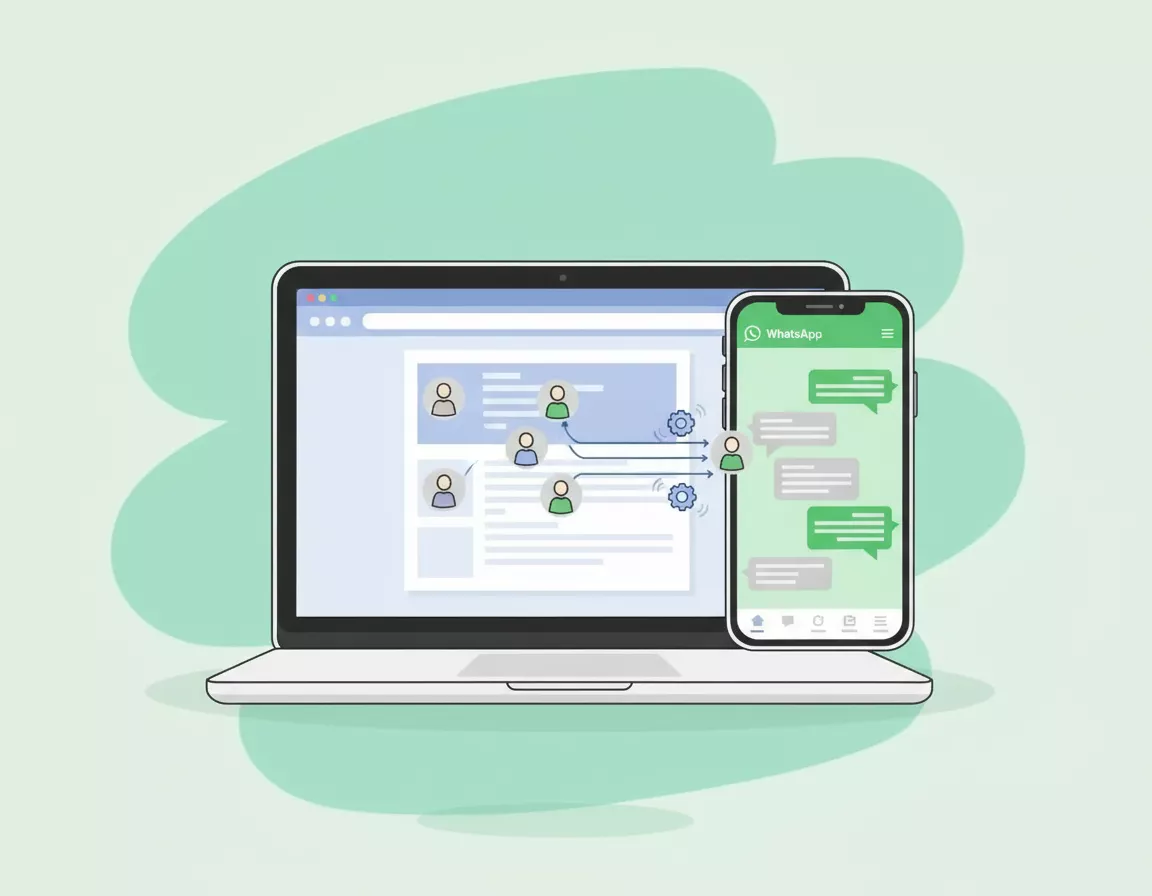
No time to read? This short audio explains how to turn website visitors into WhatsApp leads automatically:
Let’s talk about something that’s probably frustrating you right now: people visit your website, have a look around, and then… just disappear. No contact form filled out, no phone call, nothing. Just gone.
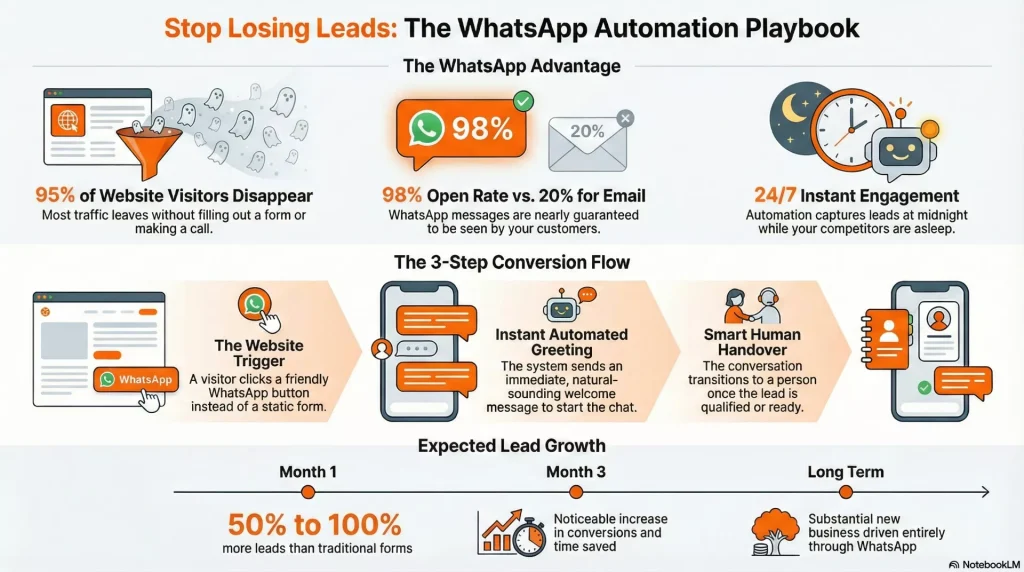
Sound familiar? You’re not alone. Most Manchester businesses lose 95% of their website visitors without ever having a proper conversation with them. That’s potentially hundreds or even thousands of lost opportunities every month.
But here’s the thing: there’s a way to change this, and it’s probably already in your customers’ pockets. I’m talking about WhatsApp.
Why WhatsApp? Why Now? 💚
The numbers don’t lie:
- Over 50 million people in the UK use WhatsApp daily
- 98% open rate (compared to email’s 20%)
- People actually reply on WhatsApp (unlike those contact forms)
- Your customers are already using it every single day
More importantly, people in Manchester just prefer it. They’d rather send a quick WhatsApp than fill out a form or wait on hold. It’s immediate, it’s familiar, and it feels less formal than email.
What Is WhatsApp Business Automation? 🤖
WhatsApp Business Automation is basically setting up your WhatsApp to work for you around the clock, even when you’re not there.
Think of it like this: someone visits your website at 11pm on a Tuesday. Normally, they’d either have to wait until you’re back in the office, or they’d just move on to your competitor.
With automation, they can:
- Start a WhatsApp conversation instantly from your website
- Get immediate responses to common questions
- Book appointments or consultations
- Get the information they need, right when they need it
And the best part? It all feels natural and conversational, not like talking to a robot.
How It Actually Works ⚙️
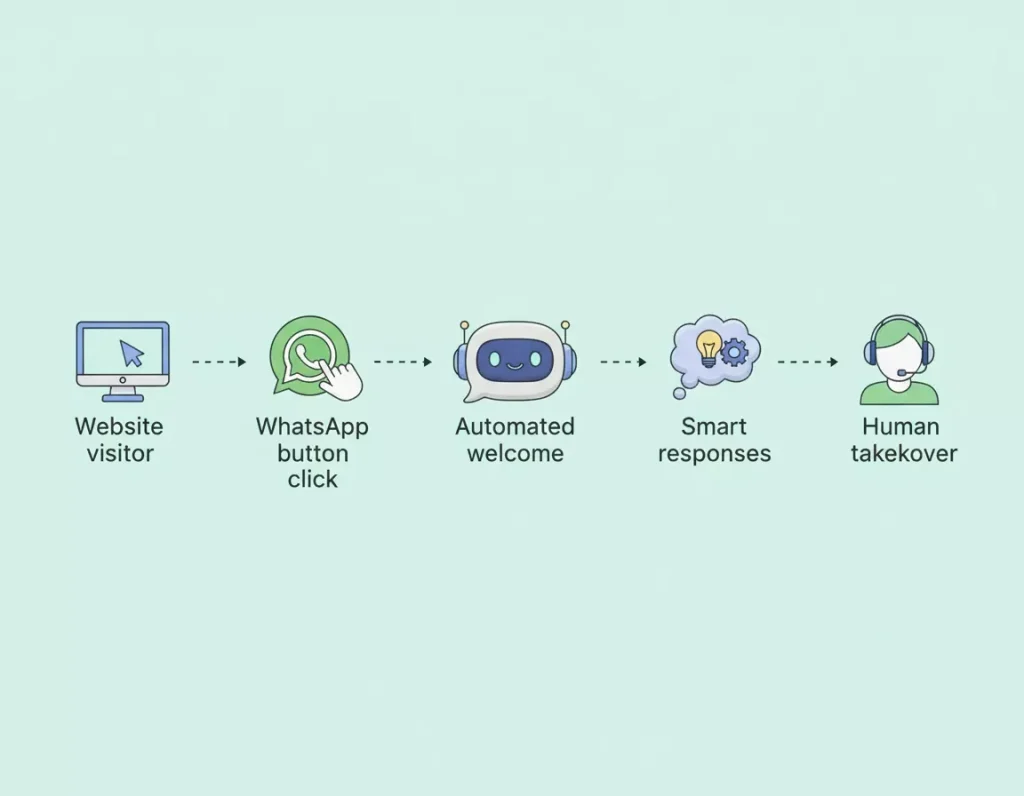
Here’s the straightforward version:
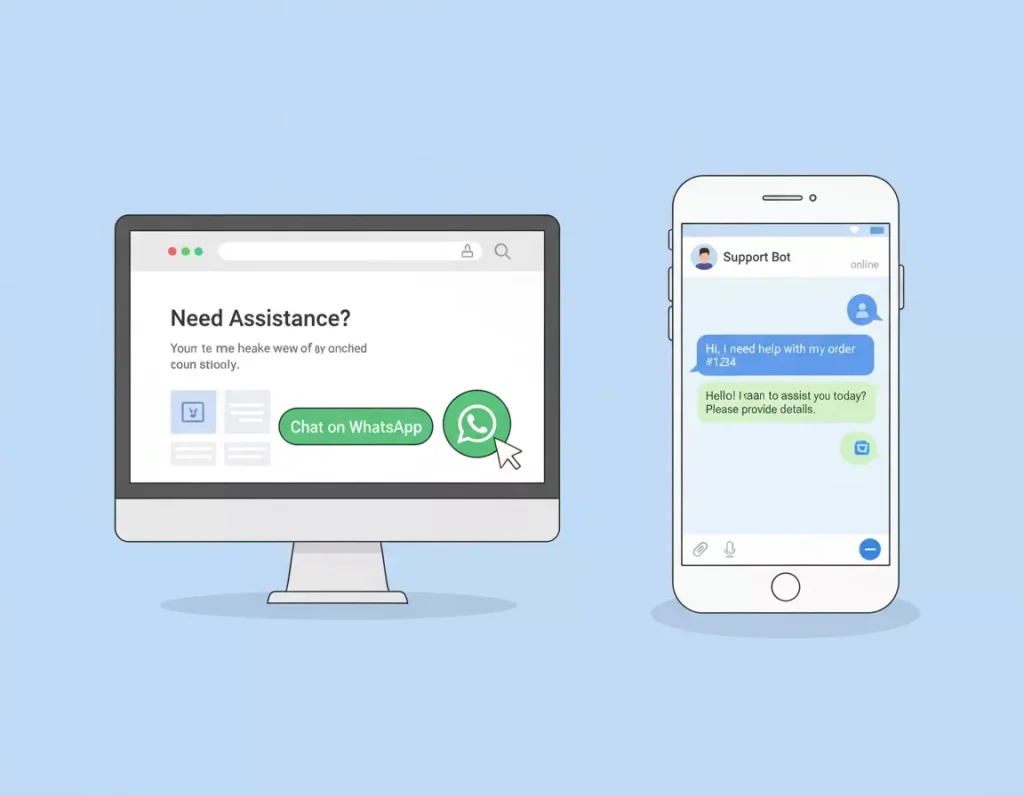
Step 1: You add a WhatsApp button to your website
Step 2: They click it and get an instant welcome message
Step 3: Based on what they say, the system automatically responds with helpful information
Step 4: When it’s time for a human touch, the conversation smoothly transitions to you
Real Examples: How Manchester Businesses Use This 📱
Estate Agents
Someone’s browsing flats in Didsbury at midnight. They click your WhatsApp button and instantly get property details, viewing booking options, and answers to questions about the area. By morning, you’ve got a qualified lead.
Restaurants
Customer wants to book a table. WhatsApp bot confirms availability, books the table, sends confirmation and reminders. All without you lifting a finger.
Tradespeople
Someone needs a plumber urgently. They hit your WhatsApp button, describe the problem with photos, get an instant response about availability, and book a slot. Much better than leaving a voicemail.
What You Need to Set This Up ✅
1. WhatsApp Business Account
It’s free and takes about 10 minutes. Use a dedicated business number, not your personal one.
2. WhatsApp Business API
This is what allows the automation magic. You’ll need to apply through a Business Solution Provider (don’t worry, it’s easier than it sounds).
3. Chat Widget for Your Website
Simple click to chat buttons, floating widgets, or pop ups. Pick whatever matches your website’s vibe.
4. Automation Platform
ManyChat, Wati, Respond.io, or Chatfuel. They all connect everything together and handle the automation.
What to Automate (And What to Keep Human) 🤝
Perfect for Automation:
- Initial greetings and welcomes
- Answering FAQs (opening hours, prices, services)
- Collecting basic information
- Booking appointments
- Sending confirmations and reminders
- Qualifying leads
Keep Human:
- Complex questions
- Negotiations or detailed quotes
- Handling complaints
- Closing high value sales
- Building relationships with key clients
The goal isn’t to replace human interaction: it’s to handle the repetitive stuff so you can focus on the conversations that actually need your expertise.
Writing Messages That Don’t Sound Robotic 💬
Your automated messages need to sound like you, not like a corporate robot.
Good Example: “Hey! 👋 Thanks for reaching out. I’m here to help. What brings you to our site today?”
Bad Example: “Welcome to XYZ Company’s automated WhatsApp messaging service. Please select from the following options.”
Tips:
- Be conversational
- Keep it short
- Use their name when you have it
- Be helpful, not salesy
- Add personality
Capturing Leads Without Being Pushy 📋
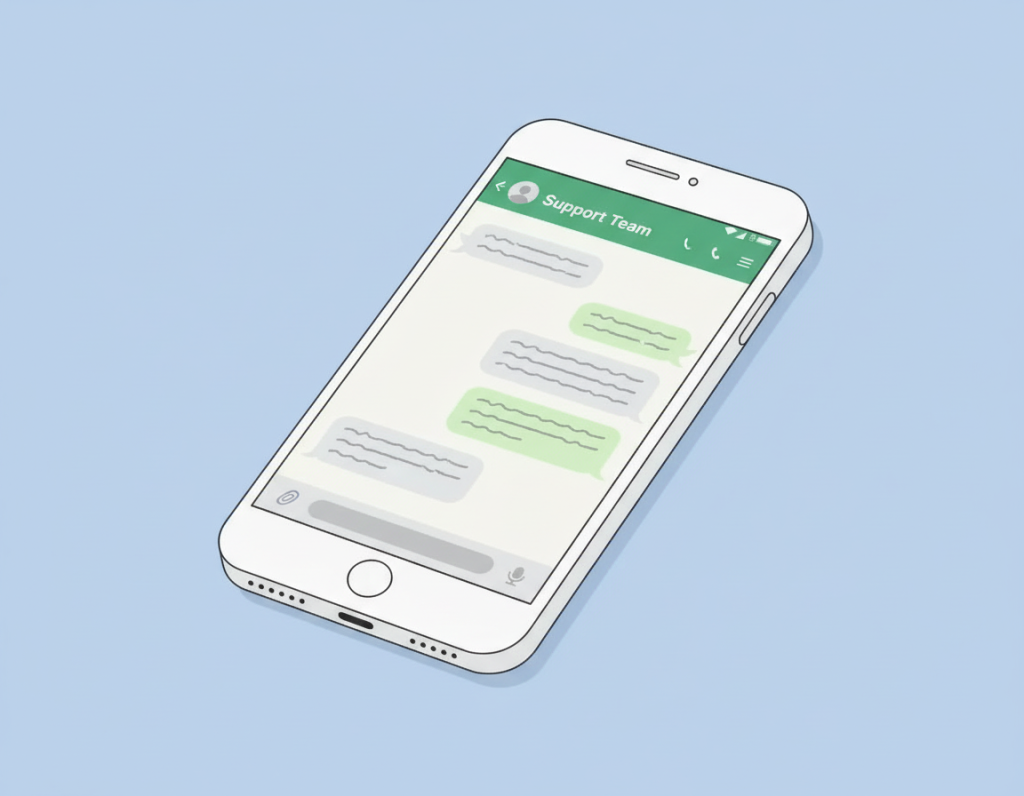
Instead of hitting them with a form, weave questions into the conversation:
Bot: “Hey! What can I help you with today?”
User: “I’m looking for a kitchen renovation”
Bot: “Brilliant! To give you the best info, can I ask: are you in Manchester, or one of the surrounding areas?”
User: “Didsbury”
Bot: “Perfect! Are you thinking full renovation or more of a refresh?”
See how natural that feels?
Common Mistakes to Avoid ⚠️
Over Automating: People can tell when a bot is out of its depth. Know when to hand over to a human.
Ignoring Follow Ups: Getting an automated response at 11pm is great, but you need to actually follow up during business hours.
Being Too Formal: This is WhatsApp, not a legal contract. Keep it friendly.
Not Testing: Test your flows yourself before going live. You’ll spot issues you’d never see from the backend.
Forgetting GDPR: Get consent, keep data secure, let people opt out. Basic stuff, but important.
What Results to Expect 📈
First Month:
- 50 to 100% more leads than traditional contact forms
- Faster response times
- Better engagement
After 3 Months:
- Better qualified leads
- Noticeable increase in conversions
- Time saved on repetitive questions
Long Term:
- Substantial portion of new business through WhatsApp
- Better customer relationships
- Competitive advantage
One Manchester coffee roastery went from 10 enquiries a week to over 50, just by adding WhatsApp to their site.
Your Action Plan This Week 🚀
Day 1: Set up WhatsApp Business account with a dedicated number
Day 2: Choose and install a chat widget on your website
Day 3: Write your welcome message and 5 to 10 FAQ responses
Day 4: Test it thoroughly
Day 5: Go live and monitor
You don’t need it perfect. You just need it working. You can improve it as you go.
Final Thoughts 💭
Your website visitors are looking for the easiest way to get in touch with you. For most people in 2026, that’s WhatsApp.
By setting up automation, you’re not replacing human connection, you’re enabling more of it. You’re making it easier for people to reach you, getting back to them faster, and freeing yourself up to have the conversations that actually need your expertise.
Manchester businesses that embrace this now will have a massive advantage over those who wait.
If you want to chat about how this could work for your specific business, we’re always up for a proper conversation. No pressure, no hard sell. Just practical advice from people who’ve done this hundreds of times for Manchester businesses.
Get in touch with Minutes Agency and let’s turn those disappearing website visitors into actual conversations, leads, and customers. ✨

