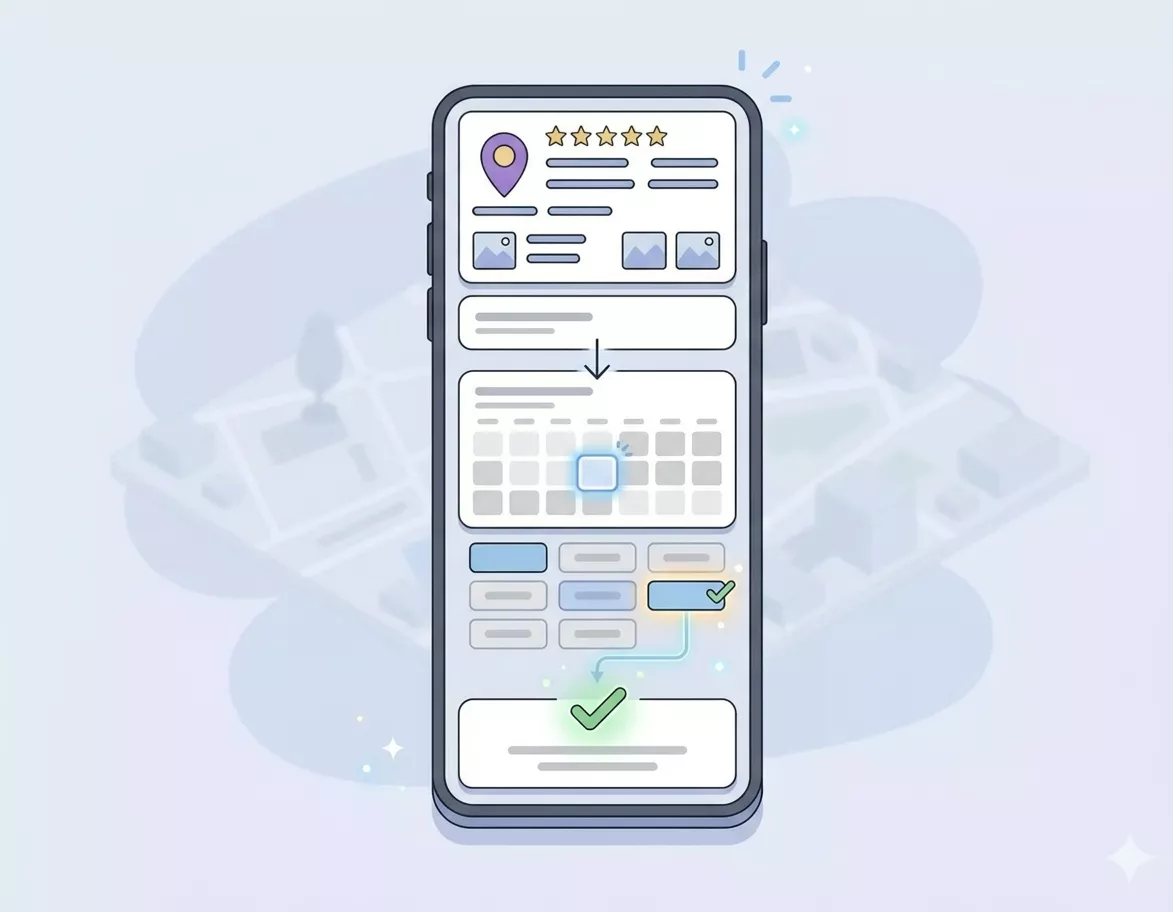
Right, imagine this: someone searches “hair salon Manchester” on Google, finds your business, and books an appointment without ever visiting your website or picking up the phone.
They just click “Book” right there in Google search results, choose a time, and boom. Done. You get a notification, they get a confirmation, and you’ve got a new customer. All in about 30 seconds.
Sounds brilliant, right? That’s exactly what Google booking integration does. And if you’re a salon, clinic, restaurant, gym, or any service based business in Manchester, this could genuinely transform how you get customers.
Let me show you exactly how it works and how to set it up.
Why Google Booking Matters 🎯
Before we dive into the how, let’s talk about the why. Because this isn’t just a nice to have feature, it’s becoming essential.
People book where it’s easiest. If your competitor lets people book directly from Google and you make them call or visit your website, guess who gets the booking?
Mobile searches are huge. Over 60% of local searches happen on mobile. People want to book right there, right then, while they’re thinking about it.
It reduces friction. Every extra step you add (visit website, find contact form, wait for response) loses you potential customers.
It works 24/7. Someone searching for a dentist at 11pm can book their appointment immediately, not wait until you open tomorrow.
It builds trust. That “Book” button in Google search results makes you look professional and established.
What Does It Actually Look Like? 📱
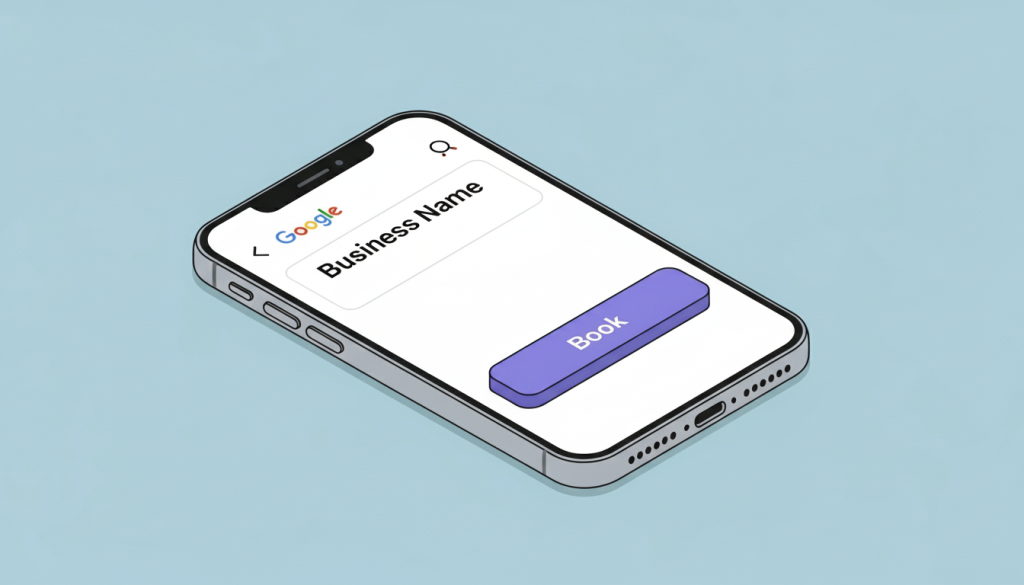
When someone searches for your business or your service on Google, they’ll see:
- Your business listing
- A big blue “Book” button
- When they click it, they see your available appointment slots
- They choose a time, add their details
- They get instant confirmation
It all happens without leaving Google. Seamless, quick, easy.
How Google Booking Actually Works ⚙️
Google doesn’t provide the booking system itself. Instead, it integrates with third party booking platforms that you’re already using (or should be using).
Here’s the technical bit (but I’ll keep it simple):
- You use a booking platform that integrates with Google (more on which ones in a sec)
- That platform syncs your availability with Google
- When someone books through Google, it updates your calendar
- You get notified
- The customer gets confirmation
It’s all automated. No manual updating, no double bookings, no mess.
Booking Platforms That Work with Google 📅
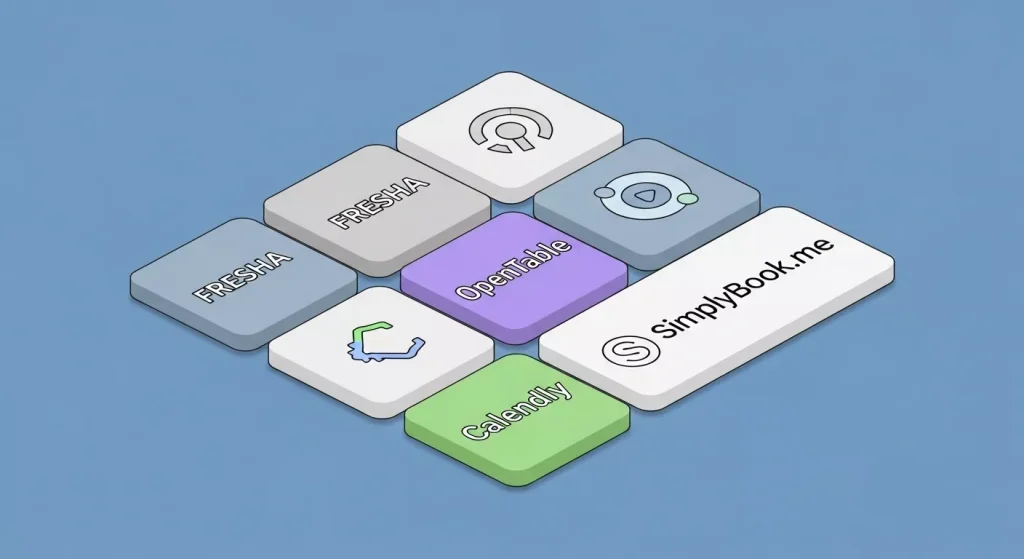
Not all booking systems work with Google. Here are the main ones that do:
For Salons, Spas, and Wellness
- Fresha (free, popular in UK)
- Vagaro
- Booksy
- Treatwell
- Phorest
For Restaurants
- OpenTable
- Resy
- SevenRooms
- TheFork
For Professional Services (Consultants, Coaches, etc.)
- Calendly (via Reserve with Google)
- Acuity Scheduling
- SimplyBook.me
For Healthcare (Clinics, Dentists, etc.)
- Doctify
- Healthengine
- Patient.info
General Purpose (Works for Most Businesses)
- Appointy
- Setmore
- Square Appointments
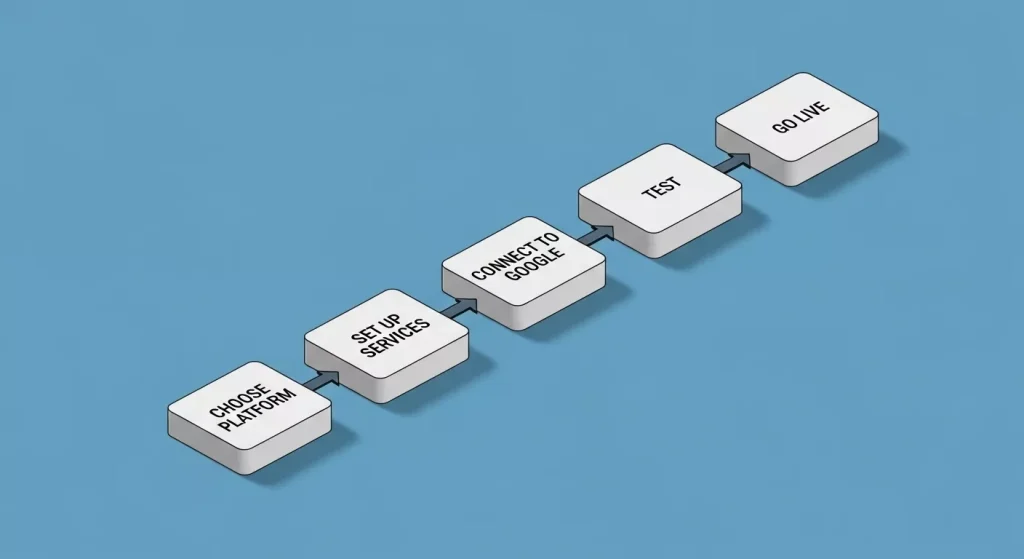
Step by Step: How to Set It Up ✅
Right, let’s actually do this. I’ll walk you through the process.
Step 1: Choose Your Booking Platform
Pick one from the list above that fits your business type and budget. Most offer free trials, so you can test before committing.
What to look for:
- Google integration (obviously)
- Easy to use interface
- Mobile friendly for both you and customers
- Automated confirmations and reminders
- Calendar syncing
- Pricing that fits your budget
Step 2: Set Up Your Booking System
Create your account and set up:
- Your services (haircut, consultation, massage, etc.)
- Pricing
- Duration of each service
- Your availability
- Staff members (if you have a team)
- Booking rules (cancellation policy, advance notice needed, etc.)
Step 3: Connect to Google
This process varies slightly depending on your platform, but generally:
- Go to your booking platform’s settings
- Look for “Google integration” or “Reserve with Google”
- Follow the prompts to connect your Google Business Profile
- Verify you’re the business owner
- Map your services to Google’s categories
- Set your availability
Step 4: Verify Everything Works
Before going live:
- Test book an appointment yourself
- Check you receive notifications
- Confirm it updates your calendar
- Make sure confirmation emails look right
- Try it on mobile (most bookings happen there)
Step 5: Go Live
Once you’re happy everything works:
- Turn on Google booking in your platform
- It can take 24 to 48 hours to appear in Google search
- Monitor your first few bookings closely
- Make adjustments as needed
Optimising Your Google Booking Experience 🚀
Just having the button isn’t enough. You need to optimise it.
Clear Service Descriptions
Don’t just list “Haircut”. Be specific:
- “Men’s Haircut (30 min)”
- “Women’s Cut & Blow Dry (60 min)”
- “Consultation (15 min, free)”
People need to know exactly what they’re booking and how long it takes.
Smart Pricing Display
Be upfront about pricing. “From £X” works if you have variable pricing, but specific prices convert better when possible.
Availability Management
Don’t show every single slot if you’re fully booked for weeks. It looks bad and wastes people’s time. Show realistic availability.
Buffer Time
Build in buffer time between appointments. A 30 minute haircut needs 10 minutes buffer for cleanup, running late, etc. Don’t stack appointments back to back.
Automated Reminders
Most platforms send automatic reminders. Turn them on. They massively reduce no shows.
Typical reminder schedule:
- Booking confirmation (immediate)
- Reminder 24 hours before
- Reminder 2 hours before (optional but reduces no shows)
Easy Rescheduling
Make it easy for people to reschedule rather than just not showing up. Most platforms include a reschedule link in confirmation emails.
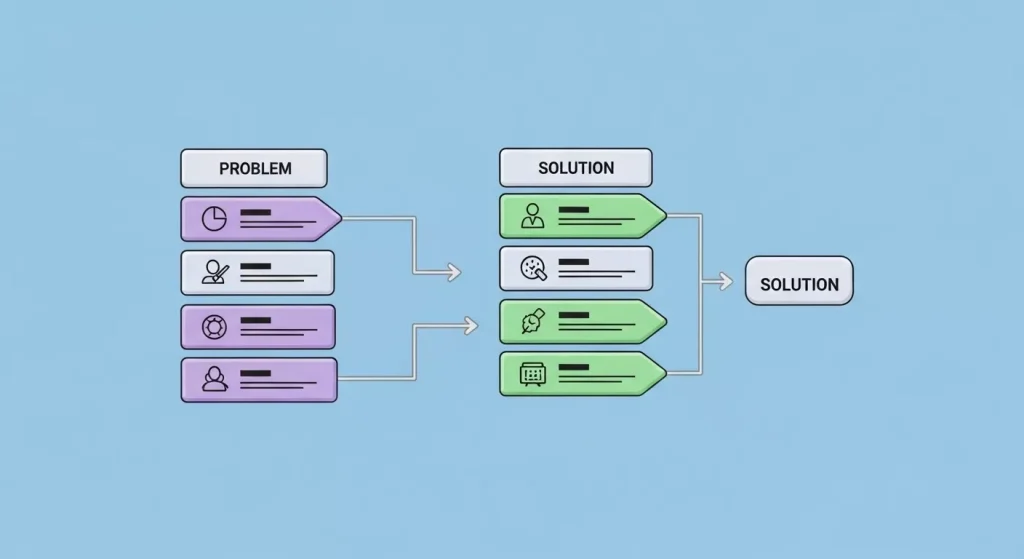
Common Problems (And How to Fix Them) ⚠️
“The Book button isn’t showing up”
Possible fixes:
- Wait 48 hours (it takes time to appear)
- Check your booking platform is properly connected
- Verify your Google Business Profile is fully complete
- Make sure you’ve published availability
- Check you haven’t accidentally turned it off
“I’m getting double bookings”
Fix: Make sure your calendar is syncing properly. Most platforms sync with Google Calendar or Outlook. Enable that sync.
“People are booking but not showing up”
Fixes:
- Enable automated reminders
- Require a deposit or card details to hold the booking
- Have a clear cancellation policy
- Send a friendly confirmation message immediately
“The wrong services are showing”
Fix: Go into your booking platform settings and check your service mapping to Google categories. Adjust as needed.
“It’s showing availability when I’m actually booked”
Fix: Your calendar sync isn’t working. Check the connection between your booking platform and your calendar.
Mobile Booking (Where It Really Matters) 📱
Most people will book from their phones. Make sure the experience is smooth:
Test it yourself:
- Search for your business on your phone
- Click the book button
- Go through the whole booking process
- Is it easy? Or fiddly and annoying?
Common mobile issues:
- Text too small
- Buttons too close together
- Forms difficult to fill out
- Takes too many taps to complete
- Slow to load
If you spot any of these, work with your booking platform to fix them.
Integration with Your Other Systems 🔗
Your booking system shouldn’t exist in isolation. It should connect to:
Your Calendar
Google Calendar, Outlook, iCal. Whatever you use, sync it so you’re not double booked.
Your CRM
Customer relationship management. Track who’s booking, how often, what they’re booking. Build relationships.
Your Payment System
Some platforms let people pay when booking. Reduces no shows and speeds up checkout.
Your Email Marketing
Add new customers to your email list (with permission). Send them useful content, offers, reminders.
At Minutes Agency, we set up these integrations all the time as part of our Smart Website and CRM packages. Everything talks to everything else, so you’re not manually updating five different systems.
For Restaurants: Special Considerations 🍽️
Restaurant bookings work slightly differently:
Table management: You need to account for table sizes and availability.
Deposit systems: For large groups or special events, consider requiring deposits.
Walk ins vs bookings: Don’t give away all your tables to bookings. Keep some for walk ins.
Special requests: Make it easy for people to mention allergies, celebrations, accessibility needs.
Confirmation details: Include your address, parking info, what to do when they arrive.
The ROI (Is It Worth It?) 💷
Let’s talk money. Most booking platforms cost between £0 to £50/month depending on features and size.
What you get:
- More bookings (people book when it’s easy)
- Fewer no shows (automated reminders work)
- Less time on the phone (bookings handle themselves)
- Better customer experience (modern, convenient)
- Data and insights (see your busy times, popular services)
Real example: A Manchester hair salon added Google booking. In the first month:
- 30% increase in bookings
- 40% reduction in time spent on phone bookings
- 20% fewer no shows (thanks to automated reminders)
The platform cost £25/month. The extra bookings paid for it in the first week.
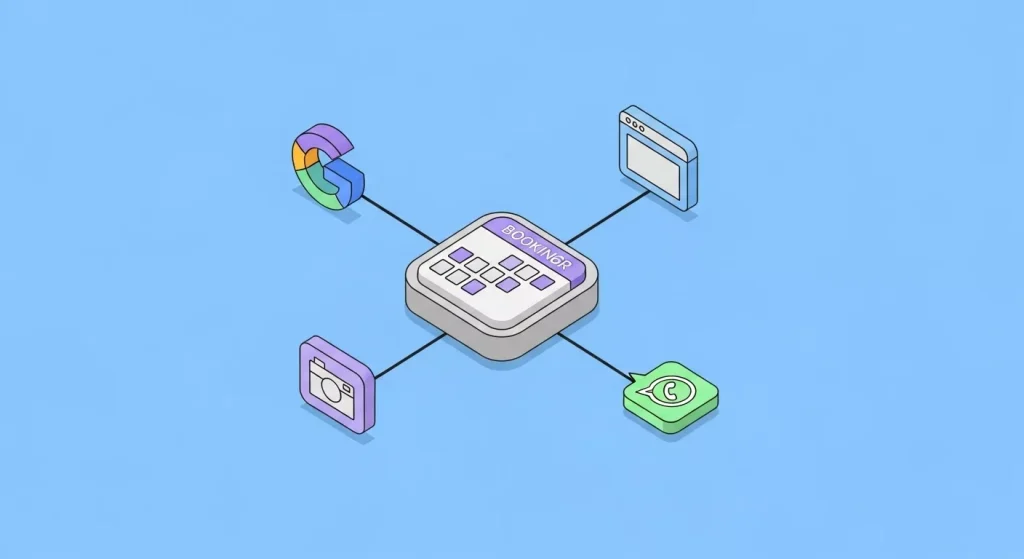
Beyond Google: Other Benefits 🎁
Once you’ve got a proper booking system set up, you can do more than just Google integration:
Website booking: Add the same booking system to your website
Social media booking: Some platforms let people book directly from Instagram or Facebook
WhatsApp booking: Integrated booking through WhatsApp chat
Email booking: Include booking links in your email marketing
It all uses the same system, all syncs to the same calendar, all keeps you organised.
Getting Help with Setup 🤝
Look, you can set this up yourself. Most booking platforms have guides and support. But if you’re time poor or technically not confident, getting help makes sense.
At Minutes Agency, we help Manchester businesses set up booking systems all the time. We:
- Help you choose the right platform for your business
- Set up your services and availability properly
- Connect it to Google (and everywhere else)
- Integrate with your website and CRM
- Test everything thoroughly
- Train you on how to use it
- Provide ongoing support
It’s part of our Smart Website package, and it’s one of those things that just makes your business run smoother from day one.
But even if you do it yourself, just get it done. The sooner you make it easy for people to book, the sooner you’ll see more customers. It’s genuinely one of the highest ROI things you can do for a service business.
If you want to chat about setting this up for your business, get in touch with Minutes Agency. We’ll walk you through it and get you up and running properly. ✨

