
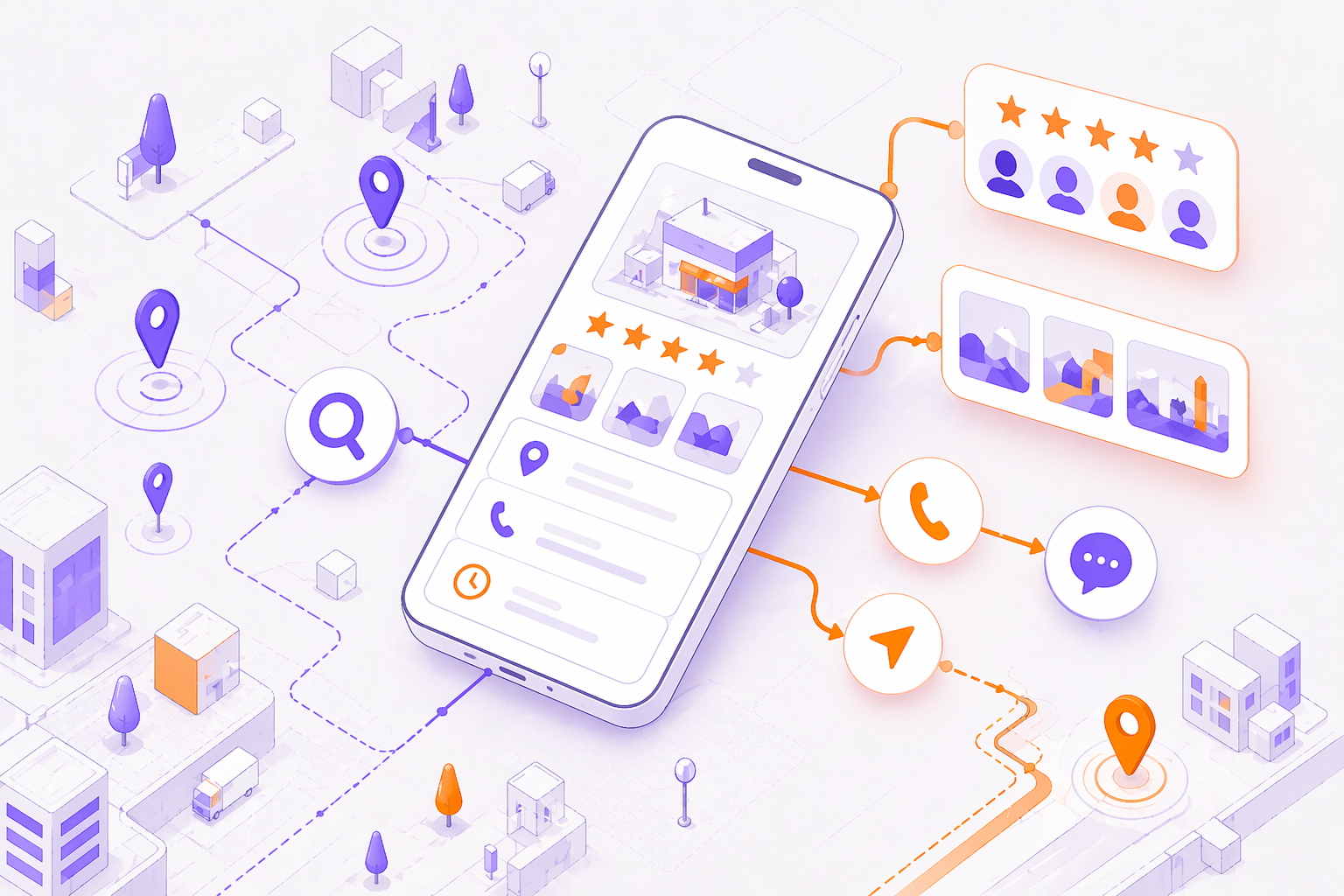
Understanding the importance of a well-structured Google Business Profile can transform how potential customers find and perceive your business online. Your local business listing is often the first thing people see when they search for your company name, your services, or “near me” options. From appearing on Google Maps to influencing local search visibility, your listing is a digital storefront that needs proper attention.
What a Google Business Profile does (and why it matters in the UK)
A Google Business Profile helps your business appear in Google Maps, the local pack, and location-based results across the UK. For many customers, it functions like a mini-website: they can call you, request directions, read reviews, view photos, and check opening hours without ever visiting your site.
In practical terms, a well-managed listing supports three outcomes that matter for UK businesses:
- Discovery: You show up for searches such as “electrician in Salford” or “best brunch in Manchester”.
- Trust: Reviews, photos, and accurate details reduce uncertainty, especially for higher-consideration services (dentists, solicitors, builders).
- Conversion: Clear calls to action (call, message, book, directions) turn searchers into enquiries.
It also plays a role in brand protection. If you do not claim and manage your local listing, someone else can suggest edits, add incorrect information, or even create a duplicate. For multi-location businesses, consistent management is essential to avoid mismatched hours, wrong phone numbers, and confusing customer experiences.
Local visibility is not only about ranking. Even when you rank well, poor photos, missing services, or outdated hours can reduce clicks and calls. Treat your listing as an ongoing asset, not a one-off setup task.
Before you start: choose the right Google account, business type and naming
Before you create or claim a Google Business Profile, set up the foundations properly. This reduces the risk of verification delays and future access issues.
Use the right Google account (and secure it)
Use a dedicated business Google account rather than a personal one. This makes handovers cleaner if staff change and keeps business assets separate. Turn on 2-step verification and store backup codes securely. If you are working with an agency, avoid sharing passwords. Instead, add them as a manager with the appropriate permissions.
Choose the correct business type
Your business type affects what you can display and how customers find you:
- Storefront: Customers visit your premises (for example, a salon, café, or showroom). You should display your address and ensure the map pin is accurate.
- Service-area business (SAB): You travel to customers (for example, plumbers, mobile hairdressers, cleaners). In the UK, you can hide your address and define service areas instead.
- Hybrid: You serve customers at your location and also travel to them (for example, a garage that offers mobile tyre fitting).
Be honest about how you operate. Selecting the wrong type can lead to customer complaints, incorrect expectations, and potential policy issues.
Name your business correctly
Use your real-world trading name as shown on signage, invoices, and your website. Avoid adding extra keywords such as “Best” or “Cheap” unless they are part of your legal name. Keyword stuffing is a common reason for edits being rejected or listings being flagged.
If you operate multiple branches, use a consistent naming convention (for example, “Brand Name Manchester” and “Brand Name Stockport”) only when it reflects real-world branding and helps customers distinguish locations.
How to set up your Google Business Profile (step-by-step)
Setting up a Google Business Profile is straightforward, but accuracy matters. Small mistakes can slow verification or create long-term inconsistencies.
Find or create the listing
- Search for your business name on Google and Google Maps.
- If a listing exists, request access.
- If it does not exist, create a new one.
Add core business details
- Business name (as used offline)
- Address (storefront) or service areas (SAB)
- Phone number (use a local UK number where possible)
- Website URL (or a relevant landing page for that location)
- Opening hours (including special hours for bank holidays)
Select the right primary category
Your primary category is one of the strongest relevance signals. Choose the closest match to your main service. Add secondary categories only when they genuinely apply.Add services or products
For service businesses, list your key services with clear names and short descriptions. For retail or hospitality, add products, menus, or key offerings where available.Write a business description
Keep it clear and customer-focused. Mention what you do, who you serve, and what makes you different. Avoid promotional claims that cannot be supported.Verify the listing
Verification methods vary and may include postcard, phone, email, or video. Follow the instructions carefully and ensure your details match your website and signage.Set up messaging and booking (if relevant)
If you can respond quickly, enable messaging. If you take appointments, add booking links so customers can convert without friction.

A useful reference for verification and profile management is Google’s own documentation: Google Business Profile Help. This is the most reliable place to confirm current verification options and policy requirements.
If you are also improving your website’s local landing pages, see our guide to local SEO services and our on-page SEO checklist for practical next steps.
Improve your Google Business Profile for local rankings and enquiries
Once your Google Business Profile is verified, optimisation is about improving relevance, trust, and conversion. Think like a customer: what would you need to decide to call or visit?
Categories, services, and attributes
- Primary category: choose the closest match to your main offering.
- Secondary categories: add only those that reflect real services.
- Services: include your most profitable services, not every possible variation.
- Attributes: add applicable attributes (for example, wheelchair accessible, women-led, free Wi-Fi). These can influence customer decisions and sometimes filter visibility.
Business description that reads naturally
Write in plain British English. Mention your location and service area naturally (for example, “serving Manchester and Greater Manchester”), but avoid repeating the same phrase. Include proof points such as years trading, accreditations, or specialisms, but keep it factual.
Links, tracking, and landing pages
If you have multiple locations, link each listing to the most relevant location page rather than the homepage. For tracking, use UTM parameters so you can see traffic from your profile in analytics.
If you are using Google Analytics, follow Google’s guidance on campaign URL building: Campaign URL Builder. This helps you measure calls-to-action more accurately.
Make it easy to enquire
Optimisation is not only about rankings. Improve conversion by:
- Adding a clear phone number that is answered during stated hours
- Keeping hours accurate (including seasonal changes)
- Adding appointment or booking links
- Ensuring your website page loads quickly and matches the services shown on the listing
Trust signals: photos, reviews, Q&A and posts (the ongoing basics)
A Google Business Profile performs best when it looks active and credible. Trust signals are often the difference between “they look legitimate” and “I will keep searching”.
Photos and videos
Upload:
- Logo and cover image
- Exterior photos (helpful for first-time visitors)
- Interior photos (especially for hospitality and clinics)
- Team photos (where appropriate)
- Before-and-after examples for trades and services
Aim for quality and consistency. Blurry images or outdated photos can reduce confidence. Refresh your gallery regularly, particularly if you have renovated, rebranded, or expanded.
Reviews: how to earn them and respond well
Reviews influence both trust and click-through rate. Build a simple process:
- Ask at the right moment (after a successful job, delivery, or appointment)
- Make it easy (send a direct review link)
- Respond to every review where possible
When responding to negative reviews, stay calm and professional. A good response shows future customers that you take feedback seriously. Do not share personal data or argue publicly.
Q&A: reduce unnecessary calls
Customers often ask the same questions: parking, pricing, availability, service areas, and accessibility. Monitor Q&A and add helpful answers. Where appropriate, include a short, clear answer and direct them to a relevant page on your site.
Posts: keep your listing fresh
Use posts for:
- Limited-time offers
- New services
- Seasonal updates (for example, bank holiday hours)
- Events
Posts are not a replacement for social media, but they can reinforce relevance and keep your listing looking current.

Avoid suspensions: common GBP setup mistakes UK businesses make
A Google Business Profile can be suspended if it appears to violate guidelines or if details look inconsistent. Many issues are avoidable with careful setup and ongoing hygiene.
Address problems (the most common trigger)
Avoid using:
- Virtual offices where you are not staffed during stated hours
- PO boxes
- Co-working spaces unless you have a genuine, staffed presence and can meet customers there
If you are a service-area business, hide your address and set service areas instead. Do not try to “rank in a city” by adding an address you do not operate from.
NAP consistency across the web
NAP means Name, Address, Phone. Keep these consistent across:
- Your website (especially the footer and contact page)
- Directory listings
- Social profiles
Inconsistencies can confuse customers and may lead to suggested edits that you do not want.
Restricted categories and sensitive content
Some industries have stricter requirements (for example, healthcare). Ensure your content is factual and compliant. If you are unsure, consult Google’s policy pages and keep documentation ready (photos of signage, proof of address, business registration details).
Duplicate listings and ownership issues
Duplicates can split reviews and confuse customers. If you find duplicates, resolve them promptly by requesting removal or merging where appropriate. Keep ownership and manager access tidy so you do not lose control later.
For policy details and common suspension reasons, refer to Google’s official guidance: Guidelines for representing your business on Google.
First 30 days checklist (Manchester-ready) + measuring results
Treat the first month after verification as your baseline-building phase. A Google Business Profile improves with consistent activity and accurate data.
Week 1: complete and validate everything
- Confirm business name, phone, website, and hours
- Add service areas (if SAB) and ensure the map pin is correct (if storefront)
- Upload at least 10 high-quality photos
- Add services/products and key attributes
- Write a clear business description
Weeks 2 to 4: build momentum
- Request reviews from recent customers (aim for a steady flow, not a sudden spike)
- Respond to every new review
- Publish at least one post per week
- Add and answer common Q&A
- Compare your listing with local competitors in Manchester (categories, photos, review volume, and messaging)
Measuring results that matter
Track performance using:
- Calls
- Direction requests
- Website clicks
- Messages (if enabled)
- Photo views
Connect your website to Google Search Console and review search queries and page performance. This helps you align your website content with what local customers are actually searching for.
If you use UTM tracking, you can see which pages convert best and whether your listing is driving the right kind of traffic.
Frequently asked questions
How long does Google Business Profile verification take in the UK?
Verification often takes a few days, but it can take up to two weeks depending on the method offered and the category. If video verification is required, prepare in advance by ensuring signage, tools, and proof of location are available.
Can I use my home address for a service-area business (e.g., plumber) and hide it?
Yes. Many UK tradespeople use a home address for verification and then hide it, showing only service areas. Make sure your service areas reflect where you genuinely work.
What’s the best primary category for my business on Google Business Profile?
Choose the category that most closely matches your main service. If you are unsure, look at top local competitors and see what categories they use, but only select categories that accurately describe your business.
Why is my Google Business Profile suspended after setup and how do I fix it?
Suspensions commonly happen due to address issues, inconsistent details, or guideline violations. Review your details for accuracy, check for prohibited address types, and consult Google’s guidelines. Once corrected, follow the reinstatement process and provide any requested evidence.
How do I add booking or appointment links?
Add booking or appointment links in the relevant section of your listing and ensure the link goes to a working page that matches the service offered. If you track performance, add UTM parameters so you can measure bookings accurately.
Conclusion
A well-managed Google Business Profile can make a measurable difference to local visibility, trust, and enquiries, especially in competitive UK areas. Keep your details accurate, build reviews steadily, and treat your listing as an ongoing marketing asset rather than a one-time task. If you want a second opinion or hands-on help, get in touch and we will help you build a local presence that stands out.

