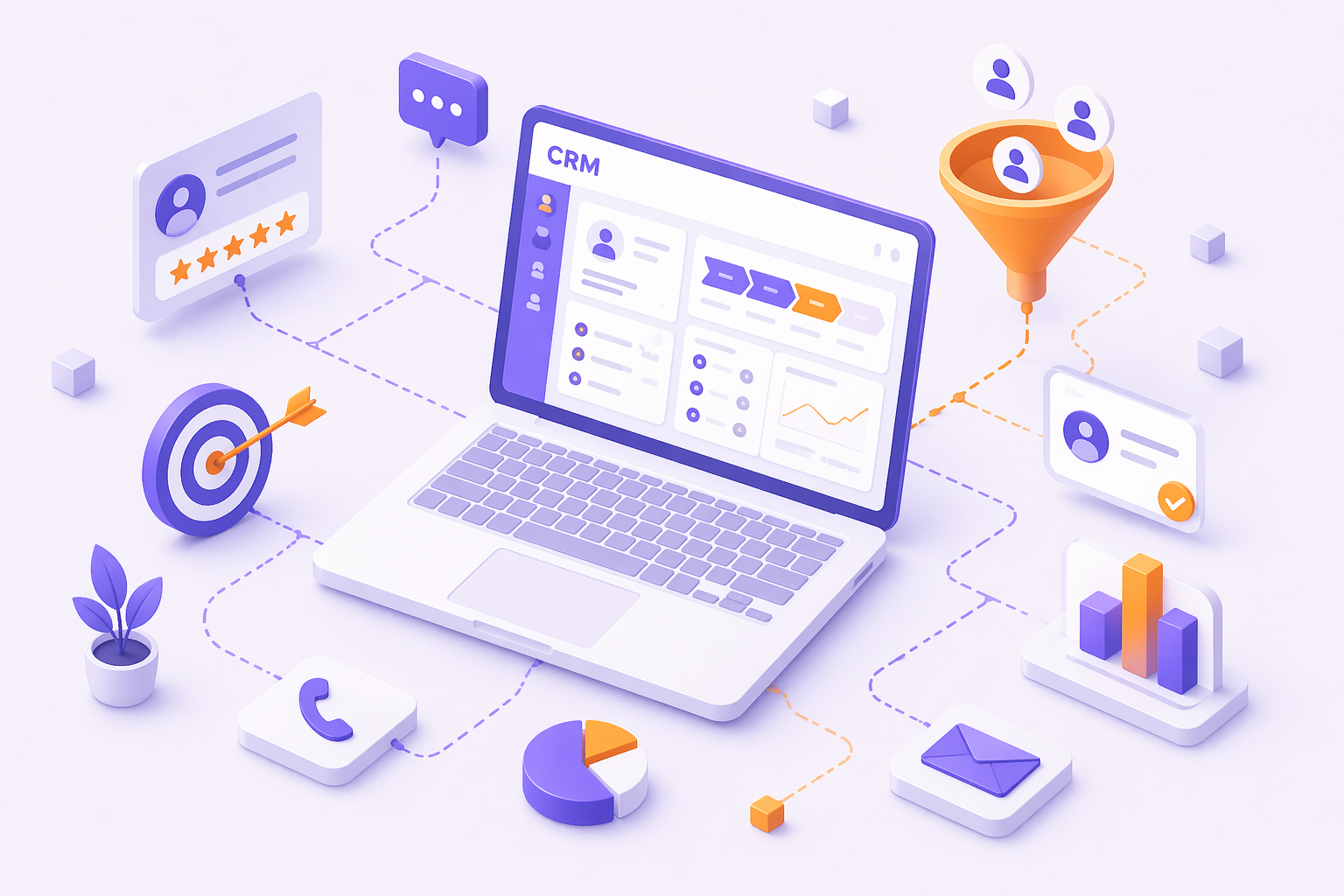
Last month we sat with a small Manchester service business that was doing “fine” on word of mouth, until they realised they were also quietly leaking enquiries. They didn’t need more leads, but they did need a CRM style process to stop losing the ones they already had. If you’re asking whether you need better lead tracking and follow-up, this case study will help you answer it fast, then act on it without turning your week into an admin nightmare.
Background and context
The business was a local, phone-first operator covering Manchester and Salford, with repeat bookings and a steady trickle of website enquiries. The owner managed everything through a mix of Google Sheets, WhatsApp, and a shared inbox. It worked, right up until it didn’t.
They weren’t unusual. According to the ONS E-commerce and ICT activity datasets, UK firms keep increasing their use of digital systems for sales and operations, but adoption is uneven across smaller organisations. In plain terms, lots of SMEs still run on messages, memory, and “I’ll get back to them later”.
We also saw a familiar pattern in Greater Manchester. Leads arrived from Google Business Profile, missed calls, and “can you quote me?” forms, then scattered across devices. When that happens, it’s easy to feel like you need a CRM just to keep up, even if the business is otherwise healthy.
The challenge
Nobody wakes up thinking, “We should buy software.” The pressure comes from small failures that add up. If you need a CRM, it is usually because those small failures are now costing you bookings.
Here’s what was at stake for this team:
- Missed follow-ups after calls, especially at peak times
- Duplicate contacts, with different notes in different places
- “Who spoke to them last?” becoming a daily question
- Quotes sent late, or not at all
- No clear view of what work was coming next week
The surprising bit? The biggest leak wasn’t the website. It was the handover between first enquiry and booked job. A spreadsheet can store names, but it can’t chase people, remind you, or show you what’s going stale.
If you’ve ever felt anxious opening your inbox because you know something slipped, that’s usually the moment a proper CRM (or at least a process that behaves like one) becomes necessary.
The approach
We treated this like a rollout, not a software install. Tools don’t fix messy habits, they just make them visible.
The plan had two tracks: get the basics of customer relationship management right, and keep it realistic for a small team that’s out on jobs. If you need a CRM, this is the part that matters most: making it usable day to day.
The 60-second readiness check
We asked five questions and scored them yes or no:
- Do you lose track of enquiries across calls, WhatsApp, and email?
- Can you see every open quote in under 30 seconds?
- Do you have a consistent follow-up rhythm (day 1, day 3, day 7)?
- Can someone else step in and know the full history fast?
- Do you know your close rate and average time to book?
Two or more “no” answers meant the spreadsheet had become a liability.
A simple sales pipeline
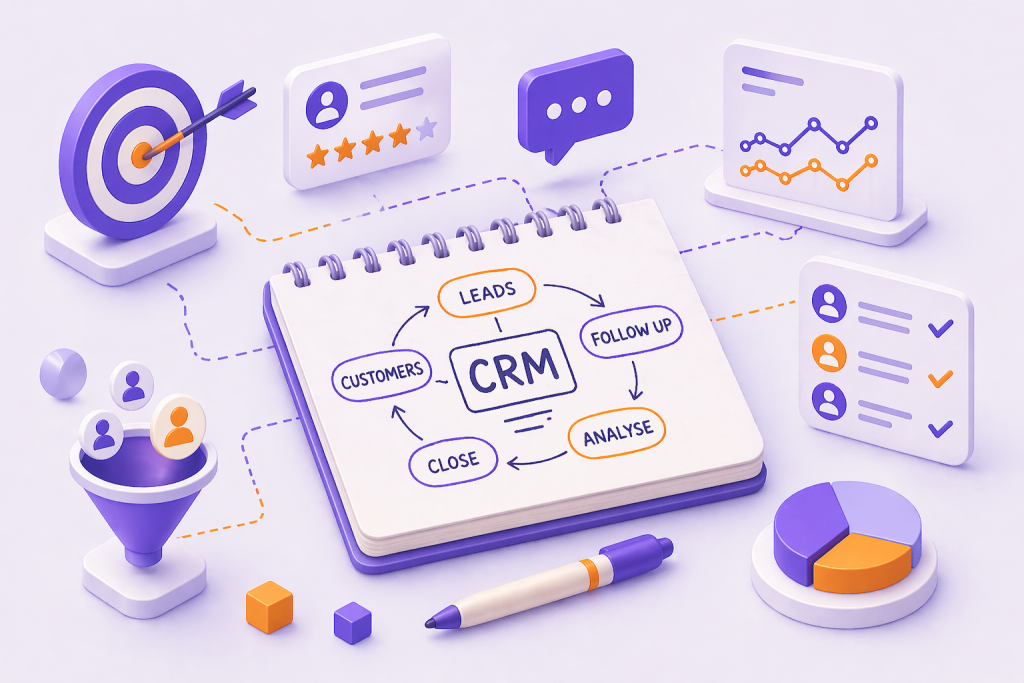
We set up a basic sales pipeline that matched how the business already worked:
Lead → Enquiry → Quote sent → Follow-up due → Won/Lost
That’s it. No 15-stage masterpiece. Owners sometimes think complexity equals control, but it usually kills adoption.
This tied neatly into improving lead capture too. If your website enquiries still land in a basic inbox, it’s worth pairing a customer management platform with better conversion points like WhatsApp automation. We covered one practical option in our piece on turning website visitors into WhatsApp leads automatically.
Automation that actually helps
We only automated three things at first:
- A task created automatically after any new enquiry
- A follow-up reminder if a quote sat untouched for 48 hours
- A weekly report showing new leads, quotes sent, and wins
That’s the boring stuff that saves real time. Anything more, too early, becomes “set-and-forget” chaos.
The results
Within a month, the owner stopped “doing admin” in the evenings. More importantly, they stopped guessing. If you need a CRM for clarity, these are the kinds of outcomes you should expect.
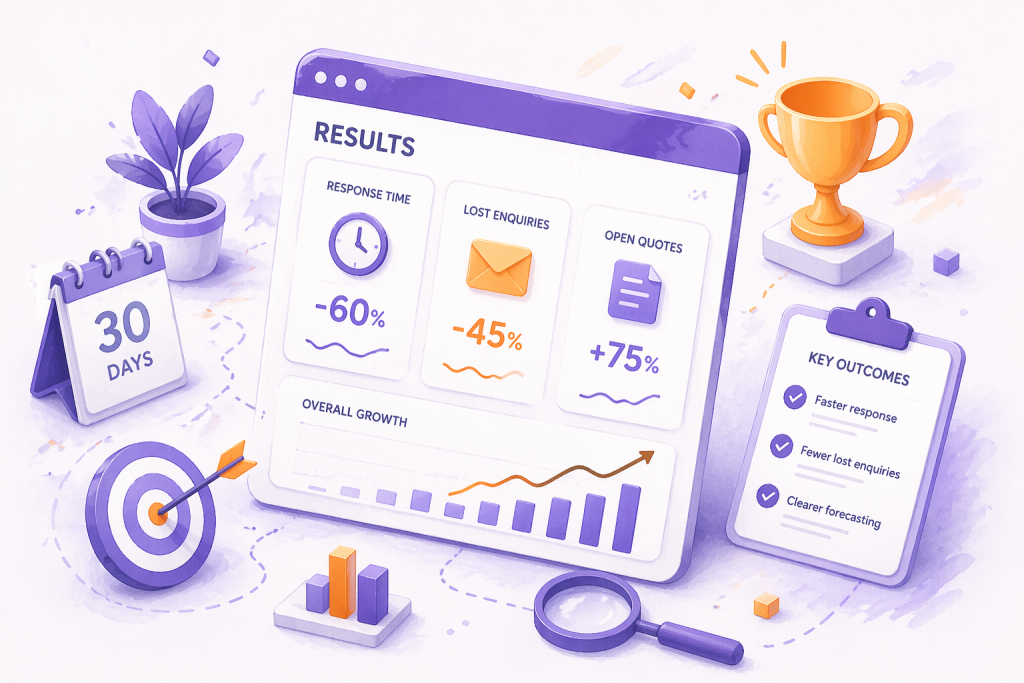
Measured changes after 30 days:
- Faster first response, because every lead hit one queue
- Fewer lost enquiries, because follow-ups were assigned and tracked
- Clearer forecasting, because open quotes weren’t hidden in chat threads
We also saw a behaviour shift. The team stopped relying on memory and started relying on the system. That’s the real win of CRM software for small business: it makes your process repeatable.
If you’re serious about local growth, this connects to how you show up in Google too. Better enquiry handling means better reviews and fewer missed calls. If you haven’t tidied that side yet, our Google Business Profile optimisation walkthrough is a solid next step.
Lessons learned
Most people ask, “Which CRM is best?” The better question is, “What do we keep messing up, and how do we stop?” If you need a CRM, it is usually because consistency has become more important than memory.
On one hand, some owners argue they can stay lean without a customer database because their lead volume is low and they respond instantly. Fair point. On the other hand, the moment you rely on follow-ups and repeat bookings, a system beats good intentions.
What we think actually matters:
- Mobile-first contact management. If it’s clunky on a phone, your team won’t use it.
- A pipeline you can explain in 10 seconds.
- Templates for quotes and replies, so quality stays consistent.
- Data quality rules, because rubbish in means rubbish out.
Common mistake we see in Manchester SMEs: overbuying. People pay for features they’ll never use, then blame the platform when adoption drops. Start small, then expand.
Another mistake is storing everything. UK GDPR expects data minimisation. According to the ICO’s guidance on UK GDPR principles like data minimisation and storage limitation, you should only keep what you need, for as long as you need it. We push clients to keep sensitive details out of general notes, and use proper categories and retention rules.
If you want a hand setting this up end-to-end, we do this as a service through our CRM system setup for Manchester businesses.
For a broader view of what we implement and why, see our CRM services page.
If you are comparing options, our guide on choosing the right CRM for a small business can help you shortlist tools without overbuying.
If you also want to tighten lead handling from the start, see our checklist for improving enquiry response times.
Frequently asked questions
At what point does a small business need a CRM instead of a spreadsheet?
Usually when follow-ups become the difference between winning and losing work. If you’re handling 10 to 20+ live enquiries a week, or you’ve got repeat bookings and multiple staff touching the same customers, you’ll feel the cracks. The moment “who last spoke to them?” is normal, you probably need a CRM.
What’s the difference between a CRM and an email marketing tool?
A CRM tracks relationships across the full customer lifecycle: calls, messages, quotes, jobs, and notes. An email marketing tool mainly sends campaigns and manages lists. There’s overlap, but lead tracking and a sales pipeline are the CRM’s core job.
How much does a CRM cost for a UK small business?
Most reputable tools start around £15 to £40 per user per month, with extra costs for phone, SMS, or advanced automation. Budget for setup time too. The software fee is rarely the expensive part, the real cost is messy data and lack of team buy-in.
Can I use a CRM for bookings and reminders (salon/clinic/trades)?
Yes, but be picky. Salons often need rebooking flows, no-show handling, and client notes. Trades need quote stages, job status, and callbacks. Clinics and professional services may need stricter controls around notes. For appointment capture from Google, it’s worth setting up direct booking properly as well, we broke that down in our guide to letting customers book appointments from Google.
Is it GDPR-compliant to store customer notes and marketing preferences in a CRM?
It can be, if you do it properly. You need a lawful basis, clear marketing preferences, and sensible retention. Government guidance on UK data protection and UK GDPR responsibilities covers lawful basis, contracts with processors, and accountability. Keep sensitive medical or highly personal info out of general CRM notes unless you have a clear reason and controls.
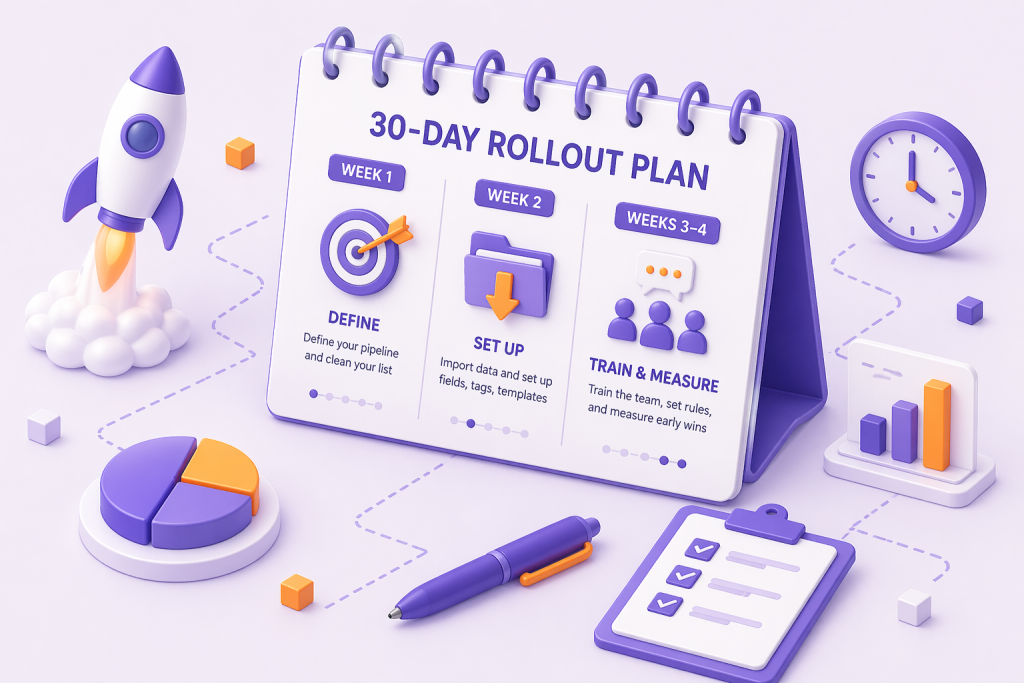
A simple 30-day rollout plan
A CRM rollout fails for one reason: you try to change everything at once. This plan keeps it practical for a small team. If you need a CRM, use this to avoid the usual false start.
Week 1: Define your pipeline and clean your list. Decide your stages, then dedupe contacts and standardise phone numbers. If you can’t trust the data, the dashboards will lie.
Week 2: Import data and set up fields, tags, and templates. Add only fields you’ll actually use, such as source, service type, and next action date. Create three templates: first reply, quote follow-up, and “we tried to reach you”.
Weeks 3–4: Train the team, set rules, and measure early wins. Pick two KPIs, such as response time and quote-to-win rate, and review them weekly. Set one rule that’s non-negotiable: every enquiry gets logged and assigned the same day.
This is also where many teams realise they don’t just need software, they need better automation around it. If you’re curious what that looks like in practice, our AI automation workflows article gives seven realistic examples.
Conclusion
If your leads are spread across calls, WhatsApp, and half-finished spreadsheets, you’re not disorganised, you’re just outgrowing your system. For most local SMEs, the moment follow-up becomes your main growth lever is the moment you need a CRM that your whole team will actually use. Want a second opinion? Get in touch with us at Minutes Agency and we’ll review your current setup, suggest a simple pipeline, and map a 30-day rollout you can stick to.

