
Most small businesses in Manchester don’t have a traffic problem, they have a certainty problem. Without lead tracking, you can’t tell if Google, Instagram or referrals are doing the work, so you end up funding the loudest channel, not the best one. Good attribution turns marketing from guesswork into a repeatable weekly process.
This playbook is “minimum viable attribution” for UK SMEs. It combines GA4, Google Business Profile, call tracking, and WhatsApp or form tracking into a single weekly view, so you can stop guessing and start making boring, profitable decisions.
1) Lead tracking basics UK SMEs get wrong
A “lead” isn’t just a form fill, and lead tracking needs to reflect what actually counts as an enquiry in your business. For salons it’s bookings and calls. For trades it’s click-to-call and WhatsApp messages with an address. For clinics it’s appointment requests and phone enquiries. For restaurants it’s table bookings, private hire enquiries, and sometimes just a call asking about allergens.
Here’s the cost of getting this wrong: you’ll optimise for the easiest-to-measure channel, not the one that brings the right customers. We’ve seen businesses pause Google Ads because “Meta brings more leads”, then realise later half the Meta leads were low intent DMs that never converted. Solid attribution prevents you from rewarding volume over quality.
Keep attribution simple:
- First-touch: where they first found you (great for brand growth).
- Last-touch: what they used right before enquiring (great for budgets).
- Multi-touch: a mix (nice, but you can waste weeks chasing perfection).
If you only do one thing, pick last-touch and measure it consistently. That single choice makes your tracking setup far easier to maintain.
2) Map every lead source
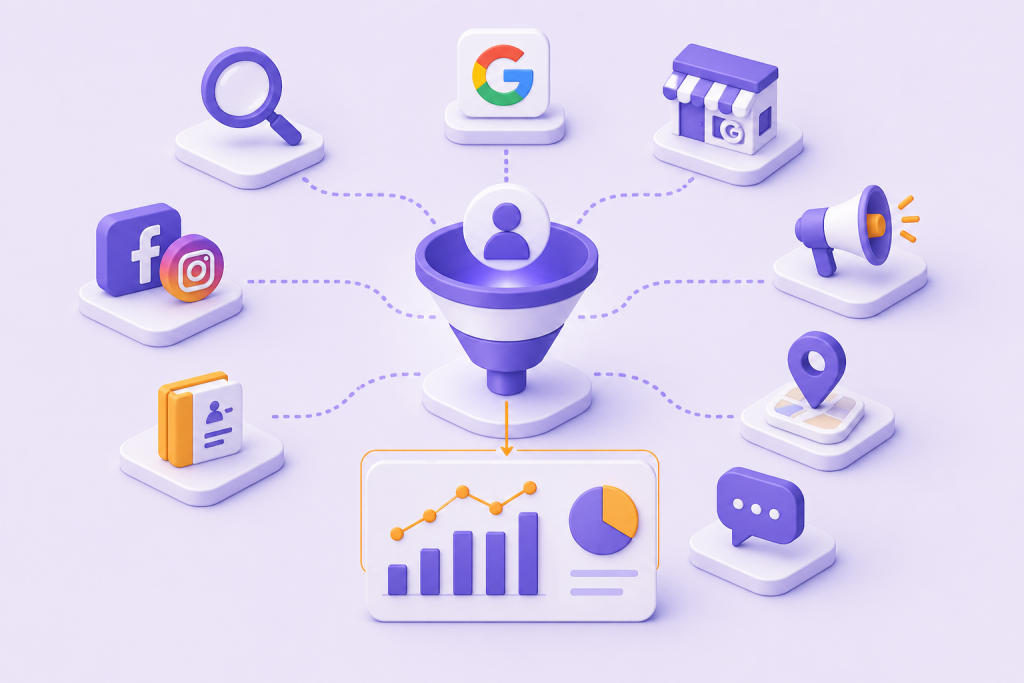
If you don’t list your channels up front, your data turns into a mess of near-duplicates. “Facebook”, “FB”, “Meta”, “Instagram” and “Insta” end up as five different sources, and your reporting becomes guesswork again. This is where lead tracking usually breaks down in real SMEs.
For most Greater Manchester SMEs, your core sources usually look like this:
- Google Search (SEO)
- Google Business Profile (Maps and profile actions)
- Google Ads
- Facebook and Instagram (paid and organic)
- Local directories (Yell, Checkatrade, Treatwell, etc.)
- Referrals (word of mouth)
Don’t ignore offline either. Walk-ins, events, van signage, and partnerships (like a gym referring to a physio clinic) can be material, and they still belong in your measurement.
Set naming rules now. We recommend a dropdown list with 10 to 15 options max, plus one “Other (specify)” field. This is the unsexy part that makes the rest work, and it keeps lead tracking consistent across staff and channels.
If you want a practical way to standardise sources, align your list with your wider reporting and pipeline stages in our guide on choosing the right CRM for UK SMEs.
3) GA4 setup that actually matters
You don’t need a complex GA4 build for useful answers. You need to track the handful of actions that represent real intent, then make sure those actions carry source data. In other words, set GA4 up to support lead tracking, not vanity metrics.
Start with GA4 conversion tracking for:
- Form submissions (contact, quote, consultation)
- Booking confirmations (if you use a booking system)
- Click-to-call taps on mobile
- WhatsApp clicks (more on this below)
UTMs matter more than most people realise, and they are foundational to reliable attribution. Use UTM parameters on every paid ad and any link you control (social bios, email campaigns, QR codes). Keep it consistent:
- source: facebook, instagram, google
- medium: paid_social, cpc, email
- campaign: spring_offer, boiler_servicing, new_patient
Common mistake we see: people put random words in “medium” like “ad” or “boost”. That breaks source medium reporting and makes channels hard to compare, which undermines lead tracking.
Once it’s live, check GA4: Reports → Acquisition → Traffic acquisition, then add conversions. If you can’t tie conversions to source and medium, something’s missing, and your lead tracking will never be trustworthy.
4) Track calls, WhatsApp and walk-ins
If you only rely on analytics, you’ll miss the leads that keep local businesses alive: phone calls, messages, and walk-ins. That’s why we treat call and message capture as part of the same lead-source system, not an “extra”. Practical lead tracking includes offline and semi-offline enquiries.
For phone calls, you’ve got two options:
- Dynamic number insertion: swaps numbers based on channel, best for websites running ads.
- Static tracking numbers: one number per channel, useful for Google Business Profile, directories, and flyers.
For Google Business Profile, call tracking often pays for itself because it’s one of the highest-intent sources. If you also want bookings from your profile, it’s worth setting that up properly. We broke down the practical steps in our walkthrough on booking directly from Google.
For WhatsApp, don’t just slap the app link everywhere. Use channel-specific click links, and tag the source in your CRM or spreadsheet when the chat starts. If you want the automated version, there’s more detail in this WhatsApp lead setup.
Walk-ins are simpler than people think. Train staff to ask one question: “Where did you hear about us?” Then log it using the same source list every time. This one habit upgrades lead tracking more than most tools.
5) Connect enquiries to your CRM
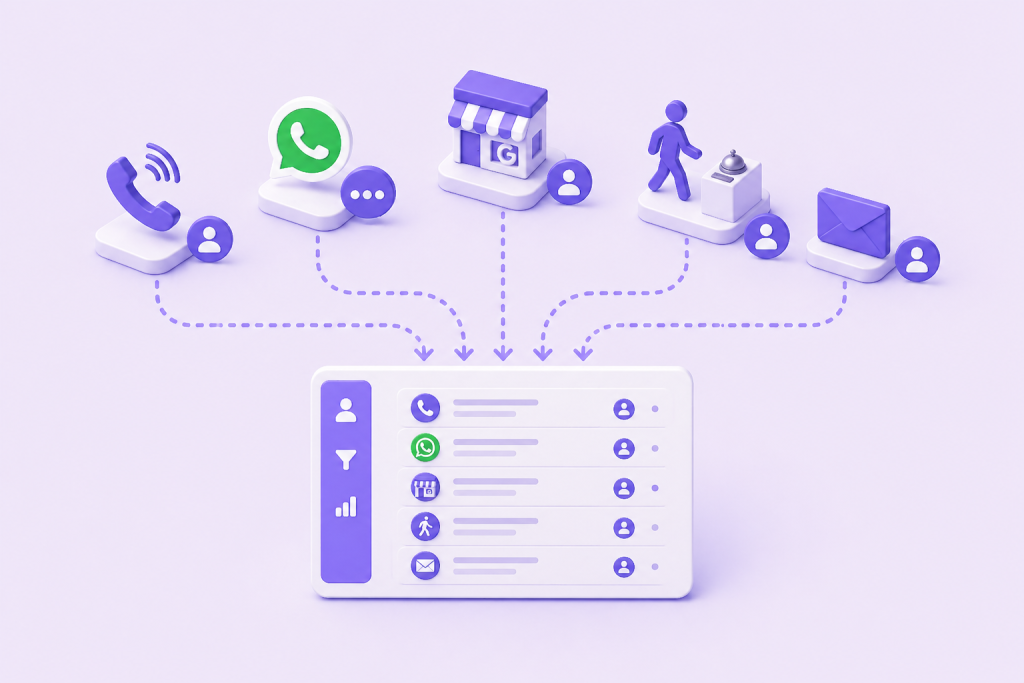
You don’t need Salesforce to do this. You do need one place where every enquiry lands, with the source captured at the point of contact. Otherwise, you’ll keep comparing GA4 numbers to your inbox and feeling like nothing matches. This is the operational side of lead tracking.
At minimum, capture:
- Lead source (dropdown)
- Campaign (if paid)
- Landing page (for web leads)
- Notes (free text for odd cases)
Simple SME workflow that works:
- Web forms push into your CRM with hidden UTM fields.
- Calls and WhatsApp get logged as a deal/contact with a source.
- Every lead moves through 3 to 5 pipeline stages (new, contacted, booked, won, lost).
Data hygiene is the difference between “useful” and “ignored”. Make “lead source” required, keep options short, and do a monthly spot check of 20 random leads. If more than 10% are “Unknown”, fix the process. Consistent admin is what makes your attribution reliable.
If you’re still deciding whether a CRM is worth the hassle, this plain-English CRM guide will help you choose without overbuying.
6) Build a weekly lead source dashboard
If you only look at numbers when sales dip, you’ll overreact. A simple weekly dashboard gives you trend, and trend beats hunches. This is where lead tracking becomes a management tool, not just a marketing task.
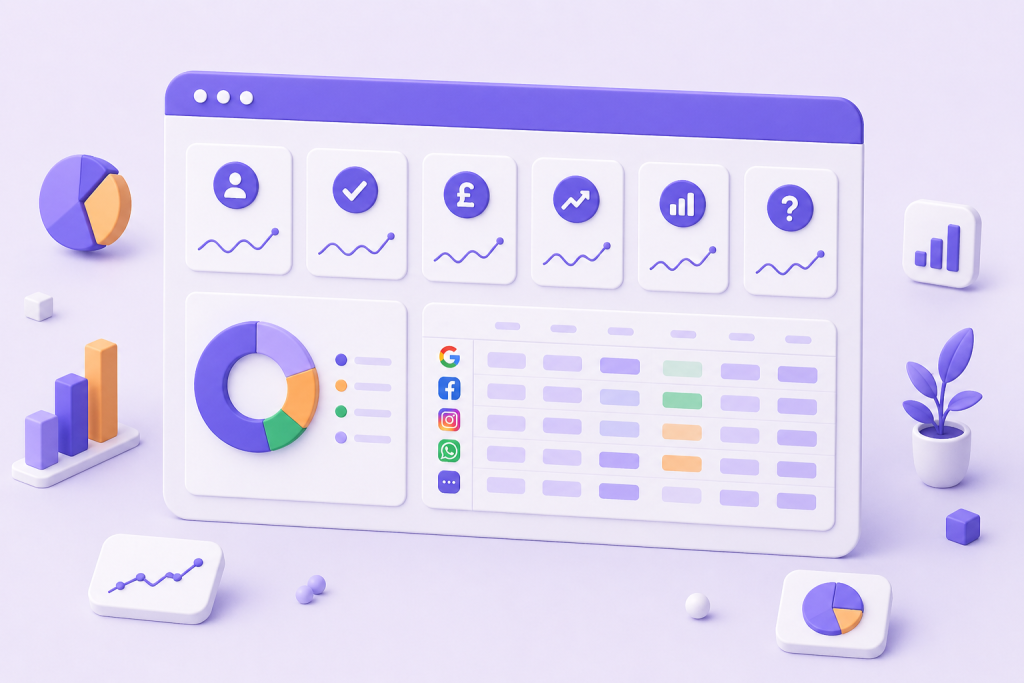
Your dashboard only needs six metrics:
- Total leads
- Qualified leads (your definition, not Google’s)
- Cost per lead (paid channels)
- Close rate
- Revenue by channel
- Unknown source rate
You can do this in Looker Studio, your CRM reports, or even a spreadsheet. The key is the same: one row per channel, one column per metric, updated weekly. This cadence is what keeps your attribution useful rather than theoretical.
Insider tip: track “unknown” like it’s a channel. If it’s bigger than your third-best source, your measurement is the problem, not your marketing.
If you’re also investing in local visibility, this ties neatly into how your profile performs. We covered the practical fixes in our Google Business Profile optimisation guide.
7) Checklist and common pitfalls
You can get a working system live in about two hours if you keep it lean. The goal is repeatable lead tracking, not a perfect attribution model.
Quick-start checklist:
- List your lead sources (10 to 15 max)
- Add UTMs to every paid and owned link
- Turn on key conversions in GA4 (forms, bookings, click-to-call, WhatsApp clicks)
- Add call tracking numbers for Google Business Profile and your website
- Add a required “lead source” field in your CRM or spreadsheet
- Build a one-page weekly dashboard
Pitfalls we see all the time:
- Broken UTMs from link shorteners or inconsistent naming
- Duplicate conversions (thank-you page and button click both counting)
- Cookie consent gaps, especially after a website refresh
- Misreading “Direct” traffic as “people typing your URL” (often it’s missing attribution)
On compliance, keep it practical. According to the ICO’s guidance on cookies and similar technologies, you generally need consent for non-essential tracking cookies. If you record calls, you also need a clear notice and a lawful basis.
For the business context, the data suggests UK firms are still catching up on digital measurement. The Office for National Statistics regularly reports on business conditions and digital adoption in its business industry and trade insights, and the pattern is consistent: smaller firms adopt later, which makes simple systems a competitive edge.
Now you’ve got the setup, the next step is using it to make decisions.
After you’ve got the basics in place, here’s how we’d pick what to focus on. If your Google Business Profile drives high-intent calls, invest in local improvements before spending more on paid social. If paid social brings volume but low qualification, tighten targeting and landing pages rather than increasing budget. If “unknown” is high, fix lead tracking first, because scaling spend on bad data usually outperforms nothing at wasting money.
Frequently asked questions
What’s the best way to track where leads come from without a CRM?
Use a shared spreadsheet with a required dropdown for source, plus columns for date, outcome, and value. Pair it with UTMs on links and a tracked phone number for high-volume channels. You can still do reliable attribution if you’re disciplined about logging every enquiry.
Why does GA4 show lots of leads as ‘direct’ or ‘(not set)’?
Usually it’s one of three things: missing UTMs, cross-domain issues from booking tools, or consent blocking attribution. “Direct” often means GA4 couldn’t see the original source, not that someone typed your URL.
Do I need call tracking to measure Google Business Profile leads?
If calls matter to your business, yes, in most cases. Google Business Profile reports give directional data, but a tracking number lets you tie calls to outcomes and revenue. Use a dedicated number for the profile so you don’t confuse website calls with Maps calls.
How do I track WhatsApp leads from Instagram or my website?
Use a unique WhatsApp click link per channel (Instagram bio, Instagram ads, website button). Add UTMs where possible, then log the source at the start of the chat using a dropdown in your CRM or sheet. That’s enough for practical marketing attribution without heavy tooling.
Is lead tracking legal in the UK under GDPR and PECR?
It can be, but you need to do it properly. Cookie-based analytics and ad tracking often require consent under PECR, and you must be transparent under UK GDPR about what you collect and why. Follow the ICO guidance and get your consent banner and privacy policy reviewed if you’re unsure.
Most businesses don’t need perfect attribution, they need a system they’ll actually use. If you set up GA4, capture calls and WhatsApp, and review one dashboard every week, your lead tracking will be good enough to cut waste and back the channels that close. Treat this as a weekly habit and it will compound.
Want a second opinion on your setup? Get in touch with us at Minutes Agency and we’ll review your tracking, UTMs, and Google Business Profile, then tell you what to fix first for the biggest impact in Manchester and beyond.

